
You can restore a cancelled or deleted order from the Orders section.
**To note: This won't be applicable to imported records, as there are no Orders linked to them.
Restore a Cancelled or Deleted Order
1. From the left-hand navigation, click Orders.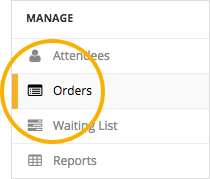
2. On the Orders tab, go to Cancelled/Deleted Orders and locate the order you want to restore.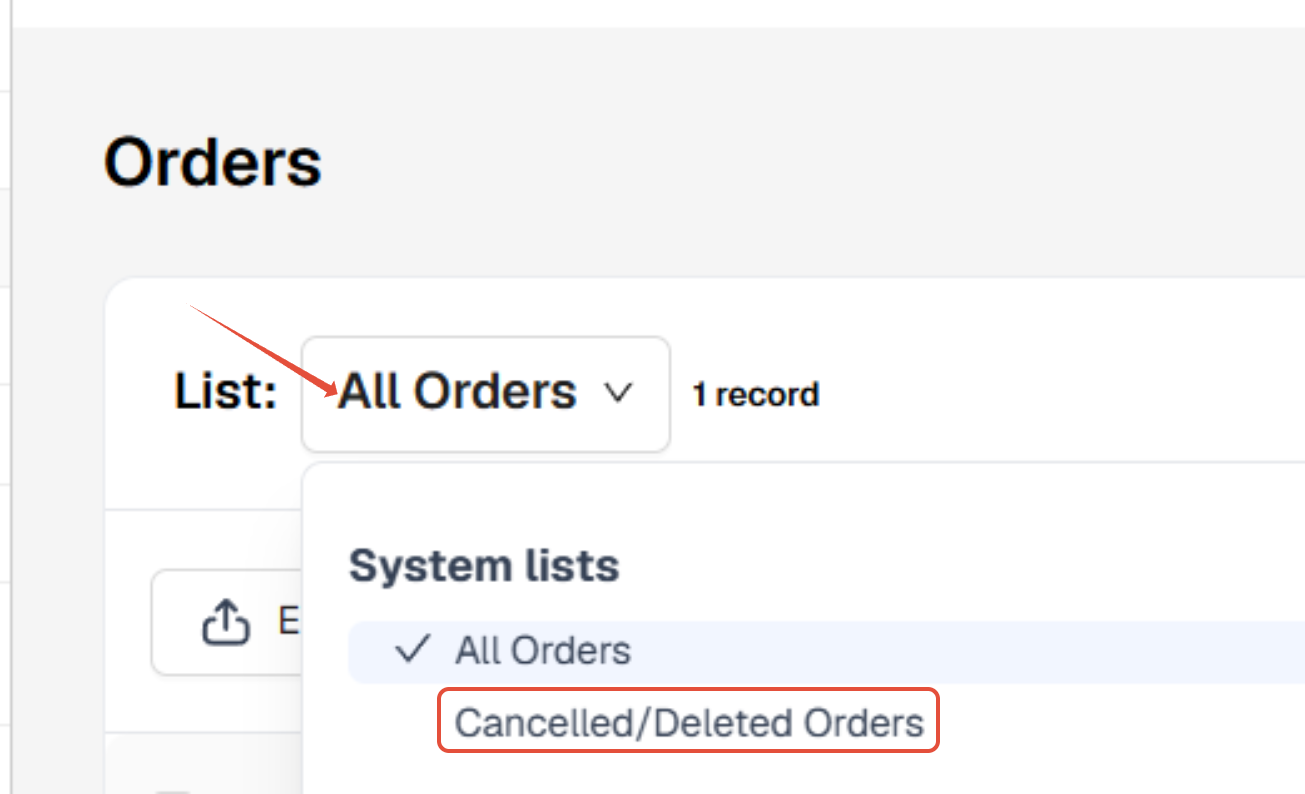
3. Select the order you want to restore. The Restore CTA is found in the toolbar.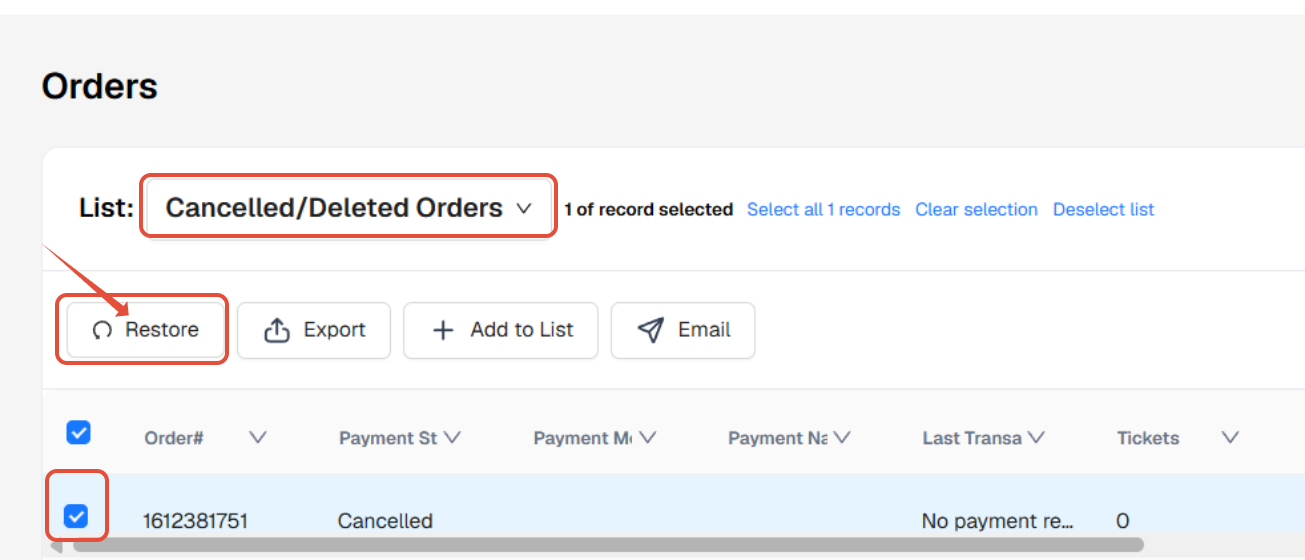
Alternatively, you can click on the Order, view the Order Details and locate the same Restore button there.
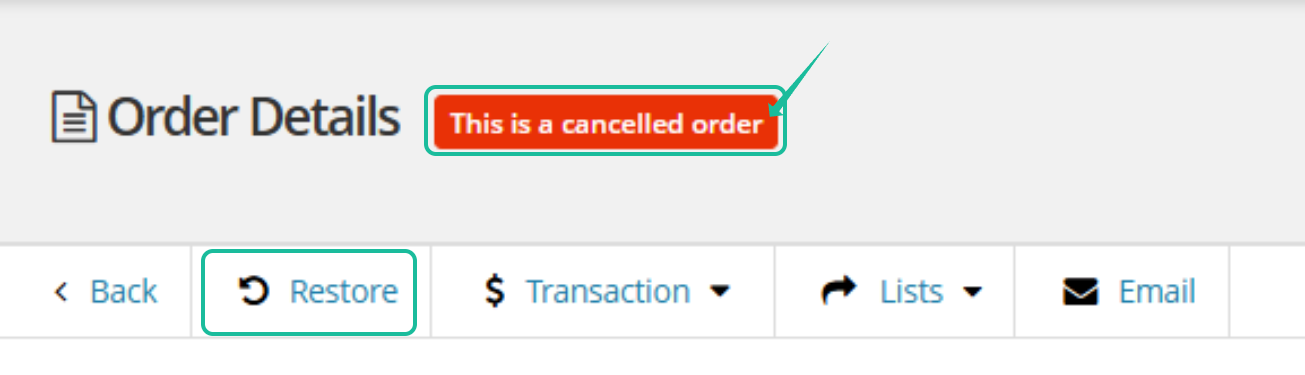
5. A confirmation prompt will appear asking you to confirm the restoration. Click the red Restore button to proceed.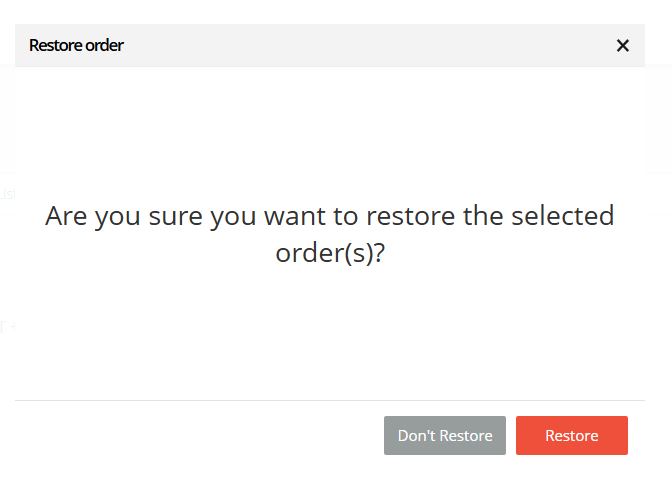
Data Restored with the Order
When an order is restored, its associated data will also be restored, including:
Associated attendee(s)
Ordered merchandise or items, if any
Payment transactions