
Overview
The Gevme Reg side menu has been redesigned to improve navigation, maximize workspace, and help users access modules more efficiently.
The new menu offers a cleaner layout, collapsible sections, search functionality, and personalized settings that are remembered across sessions.
Key Features
1. Collapse the Side Menu Horizontally
To create more space for your working area, you can collapse the side menu.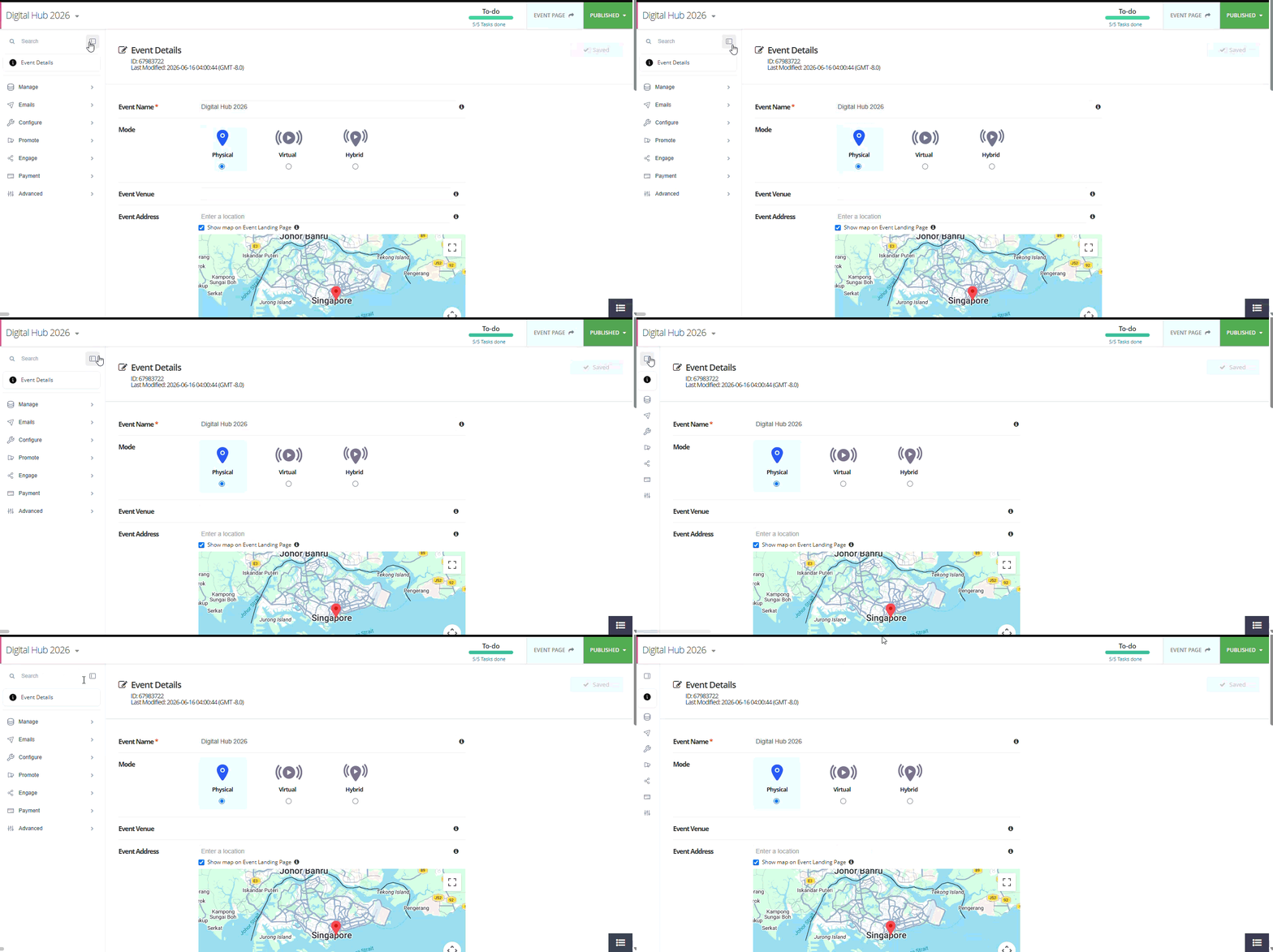
When collapsed:
- Only menu icons are displayed.
- Hover over an icon to view the module name.
- The page content automatically expands to utilize the available space.
2. Collapse Menu Sections Vertically
Individual menu groups can be expanded or collapsed, allowing you to focus only on the modules you frequently use.
This helps reduce scrolling and improves navigation in events with many enabled features.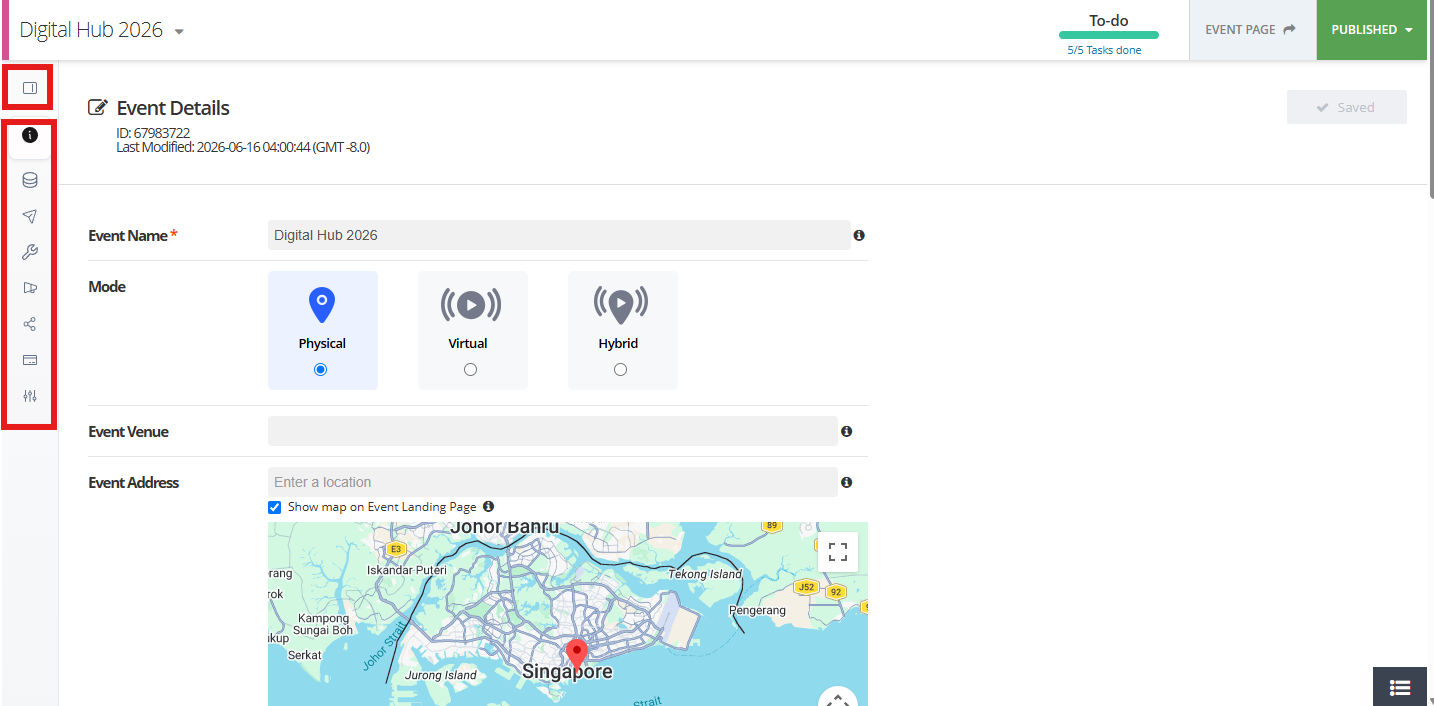
3. Search for Modules
A search bar is available when the menu is expanded.
You can:
- Click inside the search field.
- Type the name of a module.
- View matching menu items instantly.
Note: Search is performed locally within the browser and does not require additional loading time.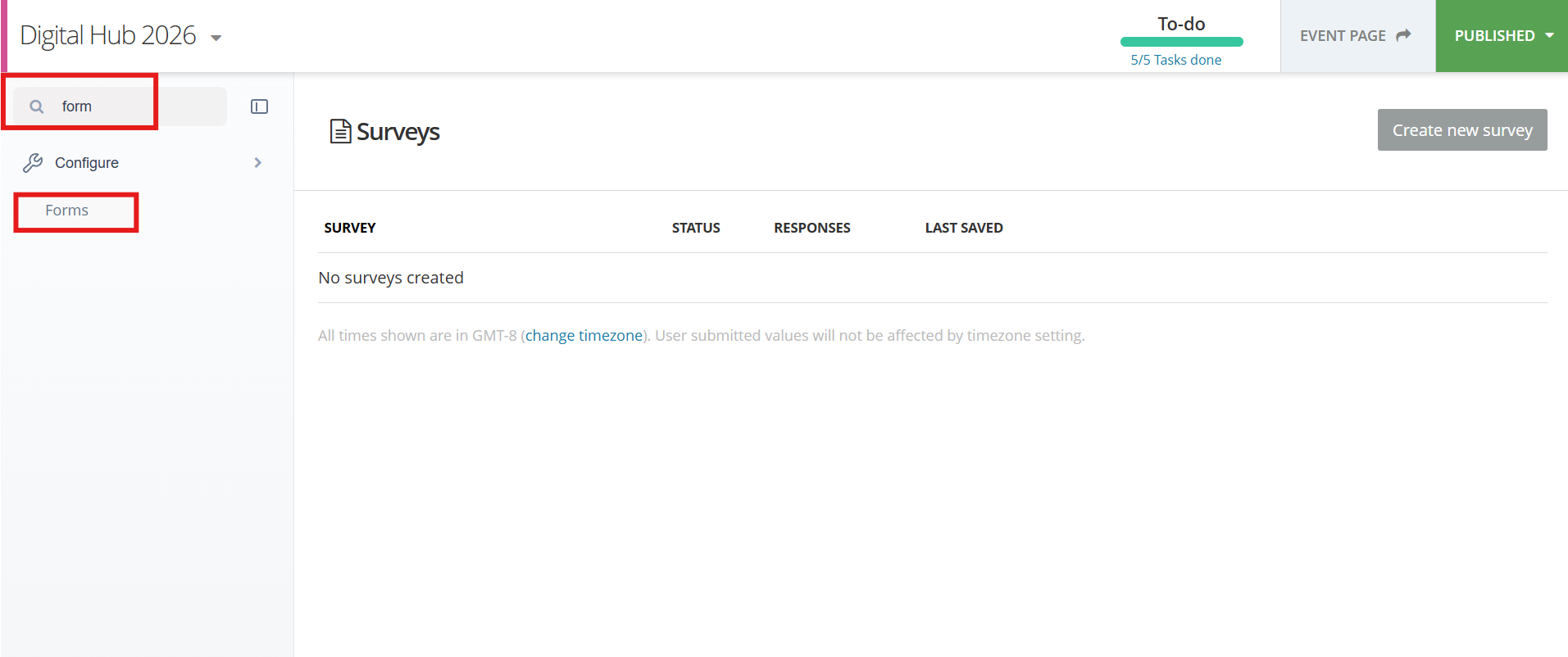
4. Improved Active Menu Highlighting
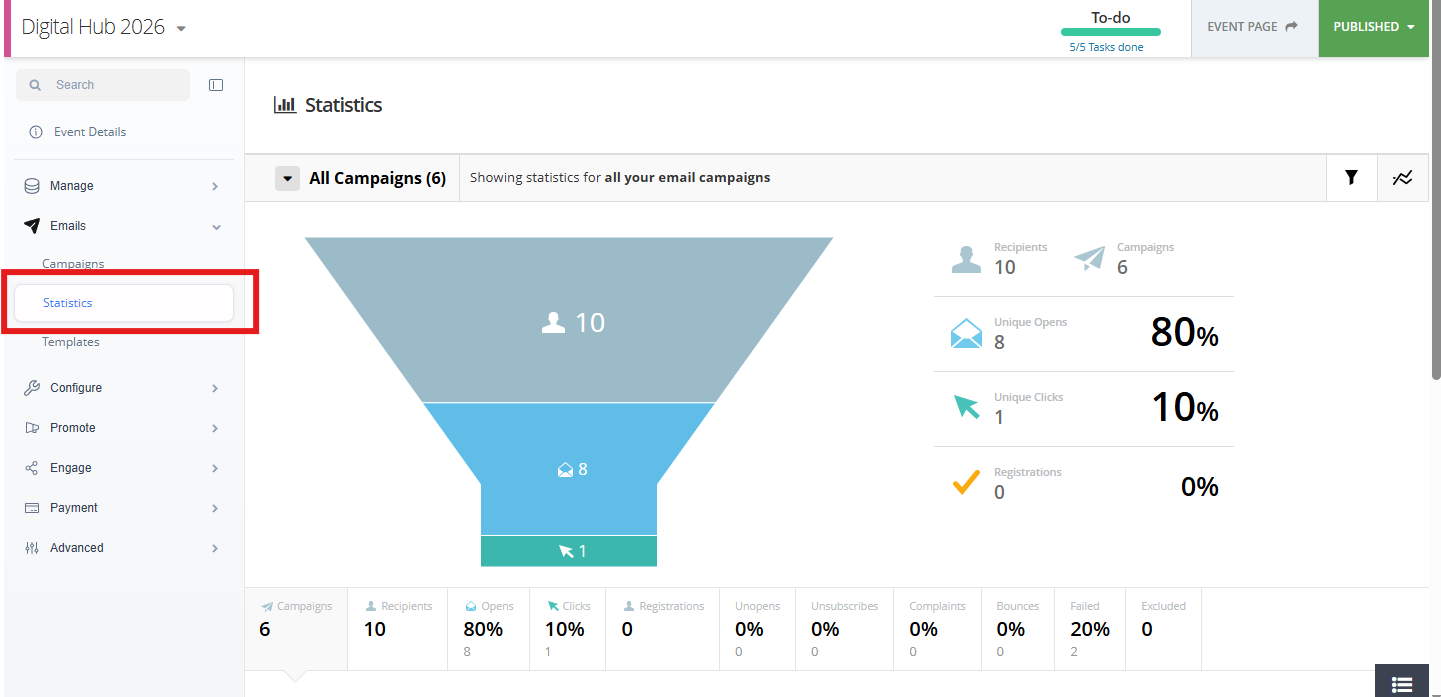
The currently selected menu item is clearly highlighted, making it easier to identify your current location within the event setup.
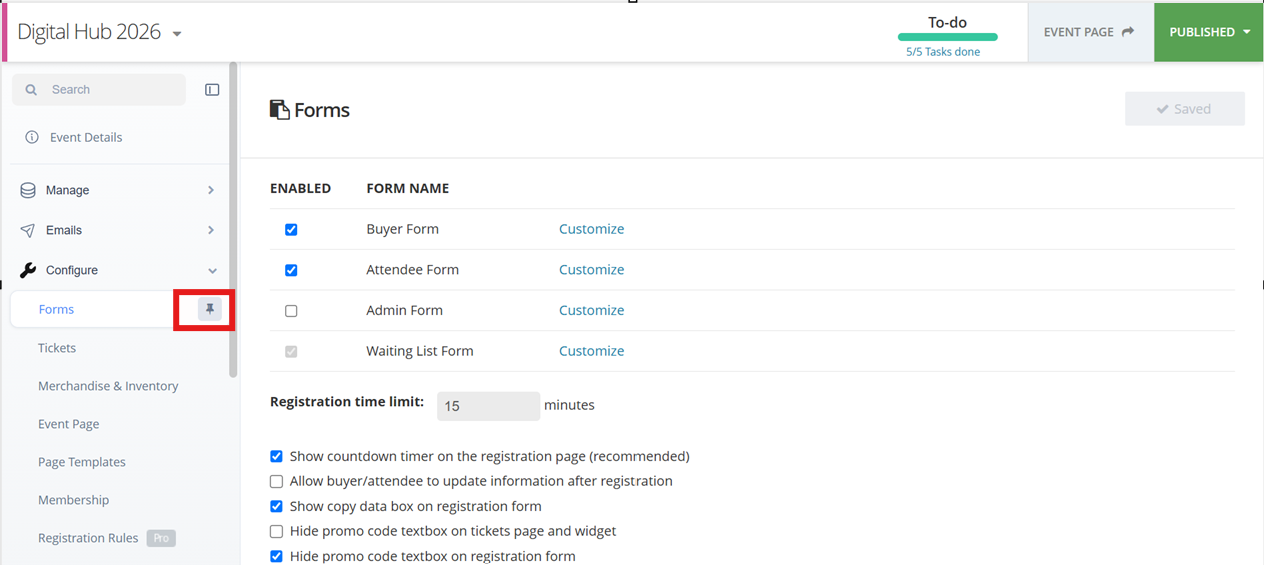
5. Pin Frequently Used Modules
You can pin your most frequently accessed modules to the top of the menu for quicker access.
Pinned modules:
- Appear at the top of the side menu.
- Are stored at the user level.
- Remain available across organisations and events associated with your account.
6. Menu Preferences Are Remembered
Your menu preferences are automatically saved.
The system remembers:
- Whether the menu is expanded or collapsed.
- Your pinned modules.
This means you do not need to reconfigure the menu every time you log in or refresh the page.
Frequently Asked Questions
Why is my menu still collapsed after I log back in?
The system remembers your last menu state and automatically restores it when you return.
Can I search for modules?
Yes. Use the search bar available in the expanded menu to quickly locate modules.
Are pinned modules shared with other users?
No. Pinned modules are stored at the individual user level and are specific to your account.
Does the page content resize when I collapse the menu?
Yes. The page content automatically adjusts to make use of the additional screen space.